Common issues with Rithmic connection and possible solutions
Rithmic connection errors
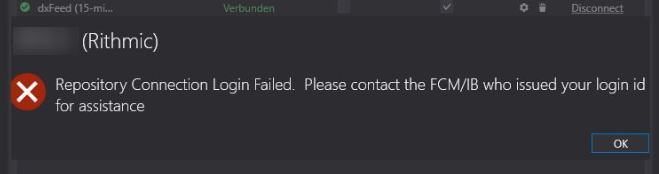
Login Failed. Please contact the FCM/IB who issued your login ID for assistance
This message is received from Rithmic. Possible reasons:
- The same login is already used in RTrader Pro.
- API connection is prohibited for this login.
- Wrong server selected in the connector settings.
Repository Connection Login Failed / Repository Connection broken. If login and password are correct, try to log in to RTrader Pro. If you see the error “Contact your administrator”, you should contact your broker. This issue is not controlled by the ATAS platform.
Order can be placed only by administrator / not allowed to place order / no permission / permission denied
You should contact your broker. There are restrictions on the broker’s side.
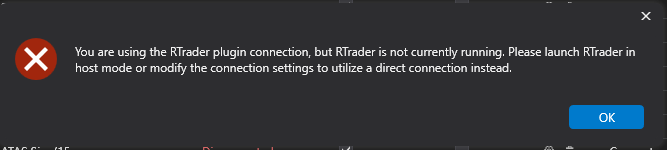
RTrader Pro is not enabled / RTrader Pro enabled
Check the Rithmic connector settings and enable or disable the Connect with RTrader Pro option depending on your connection type.
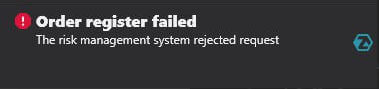
Order registered failed. The risk management system rejected the request
You should contact your broker.
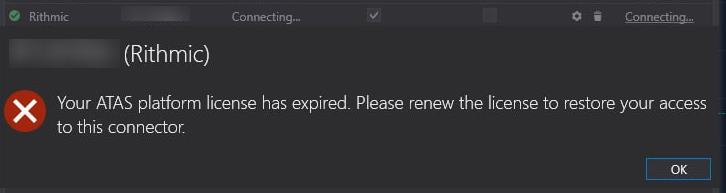
Your ATAS license has expired
Please renew your license to restore access to this connector. This often happens with prop licenses.
Possible solutions:
- Update or purchase a new license.
- If the license is active, delete the connector and create it again.
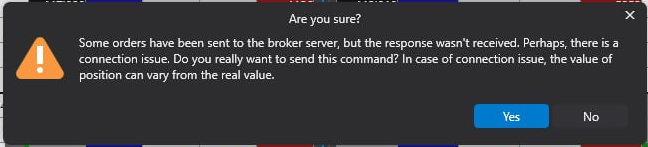
Some orders have been sent to the broker server, but no response was received
Please wait some time. If the issue persists and all orders are displayed, try restarting the platform to remove this message. One of the main reasons could be problems with the Internet connection.
MBO is not working or not displayed
Requirements:
- Level 2 data must be enabled.
- Aggregated quotes must be disabled.
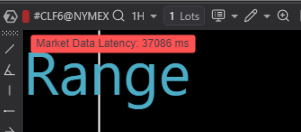
High market latency
Open RTrader Pro and check the trade timestamps. Usually, the reason is a delay on the Rithmic side. ATAS displays the data it receives, so delayed data will also be delayed in ATAS.
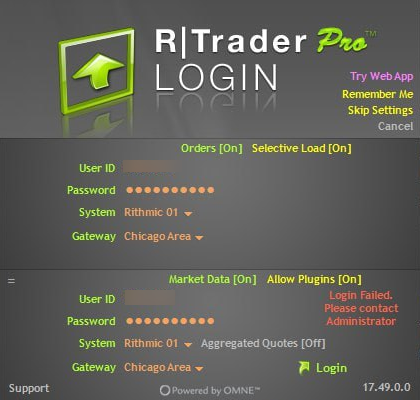
RTrader Pro. Login failed. Please contact your administrator
You should contact your broker.
- Bad input. In the operating system settings, you must set the Gregorian calendar
Was this article helpful?
That’s Great!
Thank you for your feedback
Sorry! We couldn't be helpful
Thank you for your feedback
Feedback sent
We appreciate your effort and will try to fix the article