Linking Windows Using Color Groups
ATAS allows you to link windows using color groups.
To assign a color group, use the selector located in the upper-left corner of the Chart window.
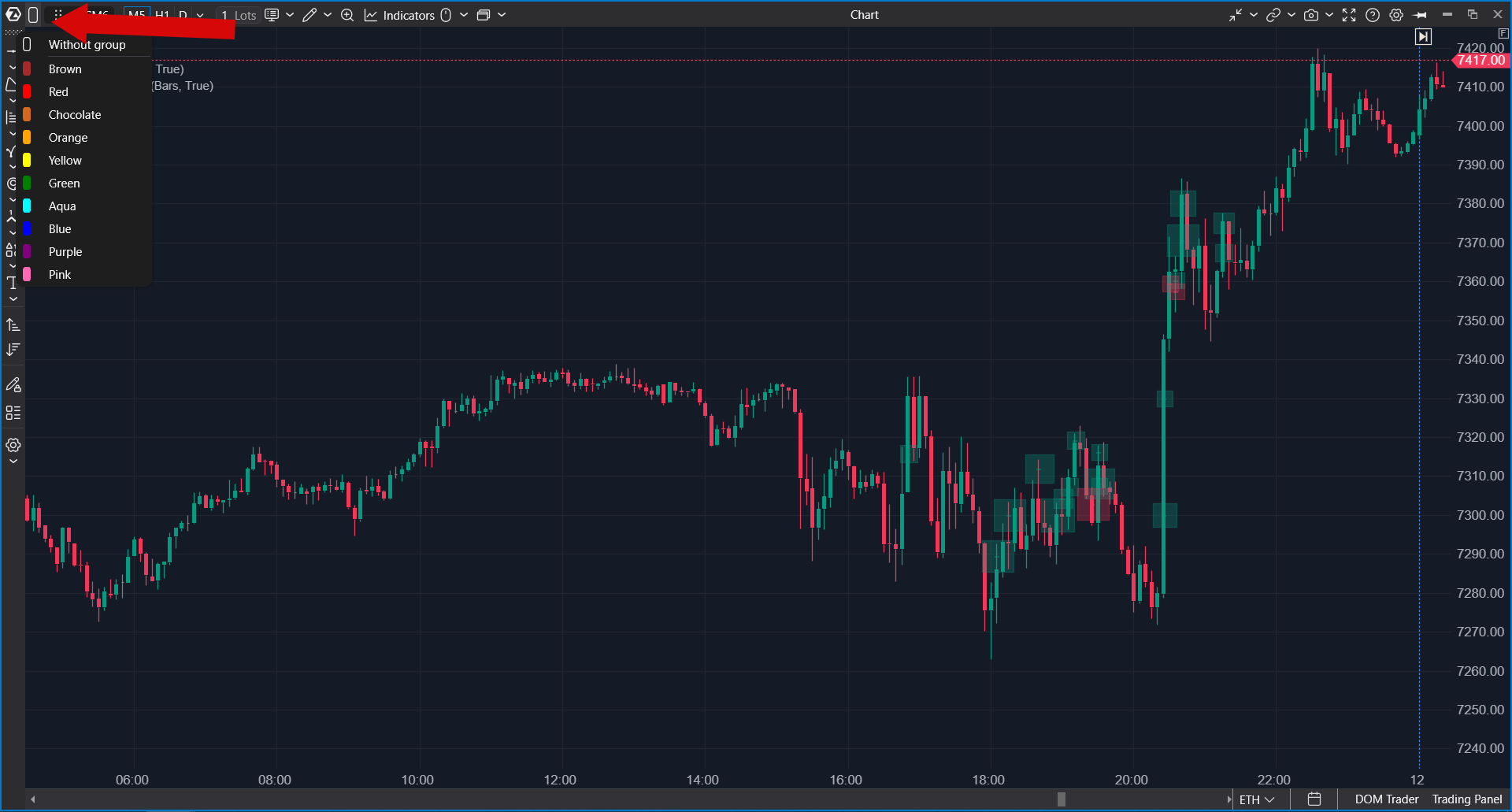
Windows assigned to the same color group will automatically synchronize instruments. When the instrument is changed in one linked window, it will also change in all other windows assigned to the same color.
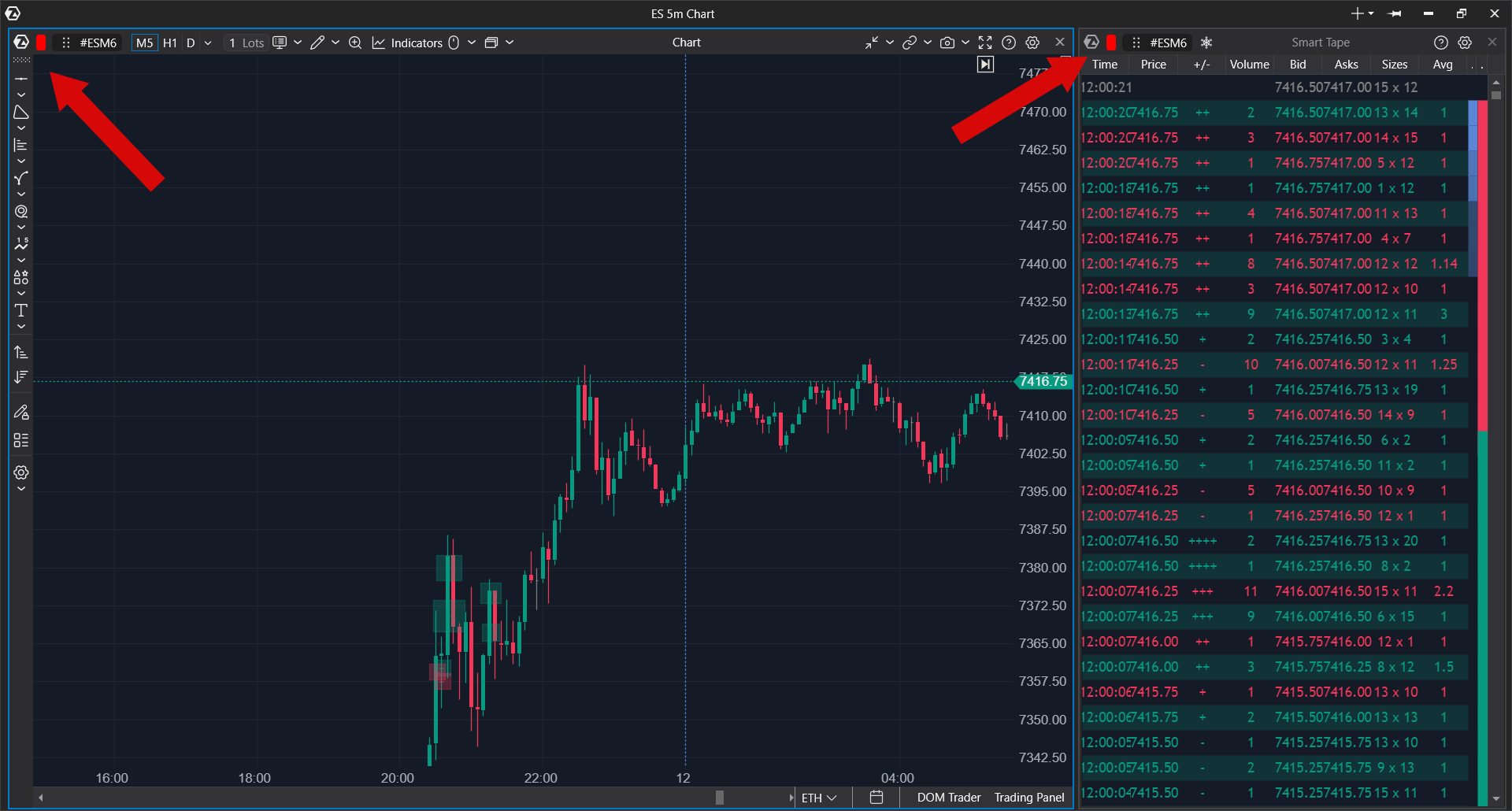
Color groups are also available in the following modules:
- Smart DOM
- Smart Tape
- Bid/Ask Tape
- All Prices
- Heatmap
- Forward Curve
- Options Board
For additional information and a video demonstration of window linking, see the Workspace Setting article.
Was this article helpful?
That’s Great!
Thank you for your feedback
Sorry! We couldn't be helpful
Thank you for your feedback
Feedback sent
We appreciate your effort and will try to fix the article