What to Do If Market Data Stops Updating or Becomes Delayed
Market data may temporarily stop updating if the platform loses its connection to the data server, the computer wakes up from sleep mode, or the market is experiencing high volatility and the platform needs additional time to process incoming data.
In most cases, the connection is restored automatically. If the chart displays missing candles, gaps, or delayed market data after the connection is restored, follow the recommendations below.
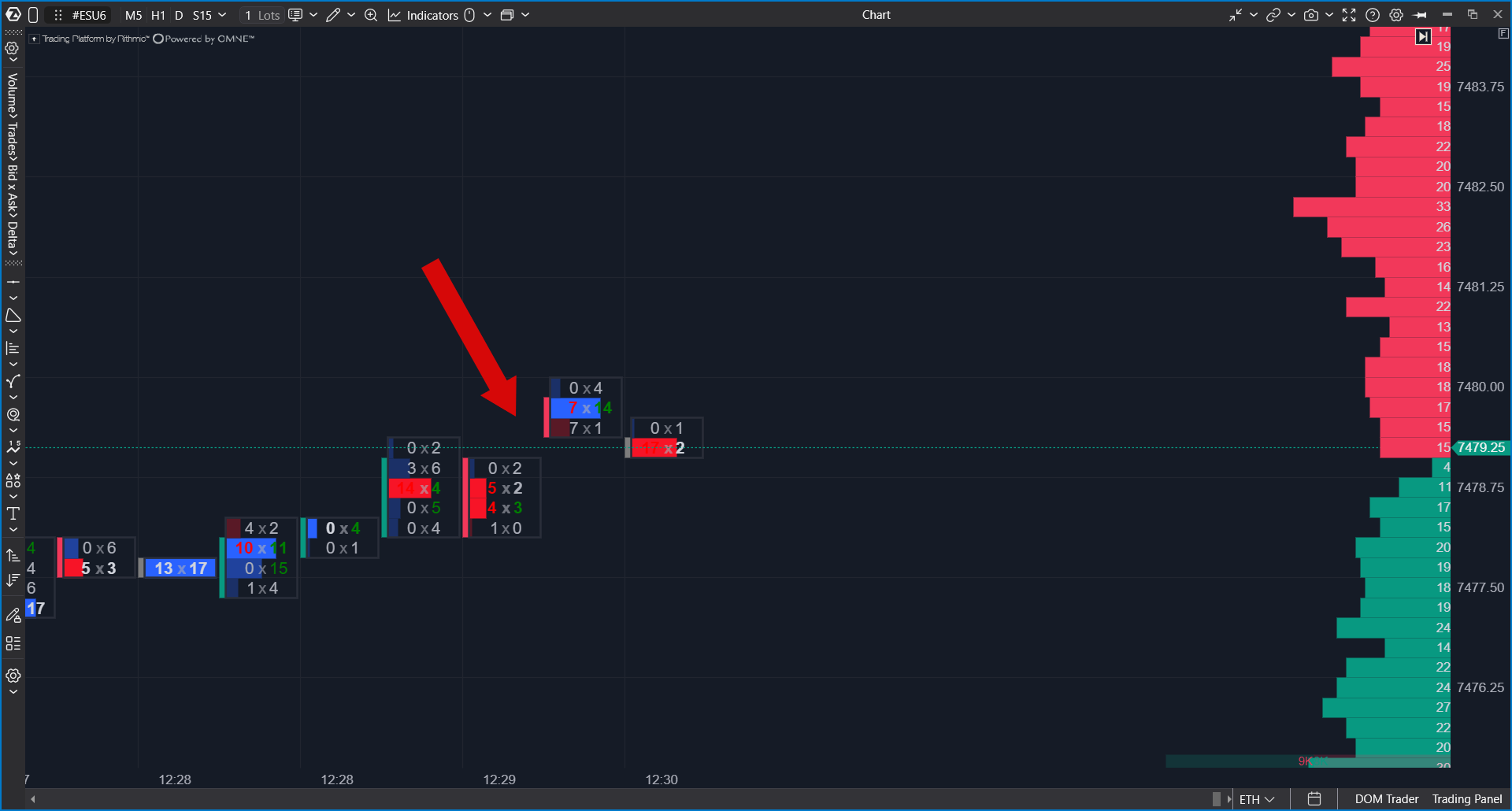
After the Computer Wakes from Sleep Mode
When your computer resumes from sleep mode, ATAS may require a few seconds to reconnect to the platform server and restore active market data connections.
If you open or refresh a chart before the reconnection process is complete, the chart may temporarily display missing candles or data gaps.
Wait until all platform connections are restored, then reload the affected chart.
Reloading Chart Data
To reload historical market data:
- Verify that your internet connection is available.
- Confirm that ATAS is connected to the platform server and the required market data connection is active.
- Open the affected chart.
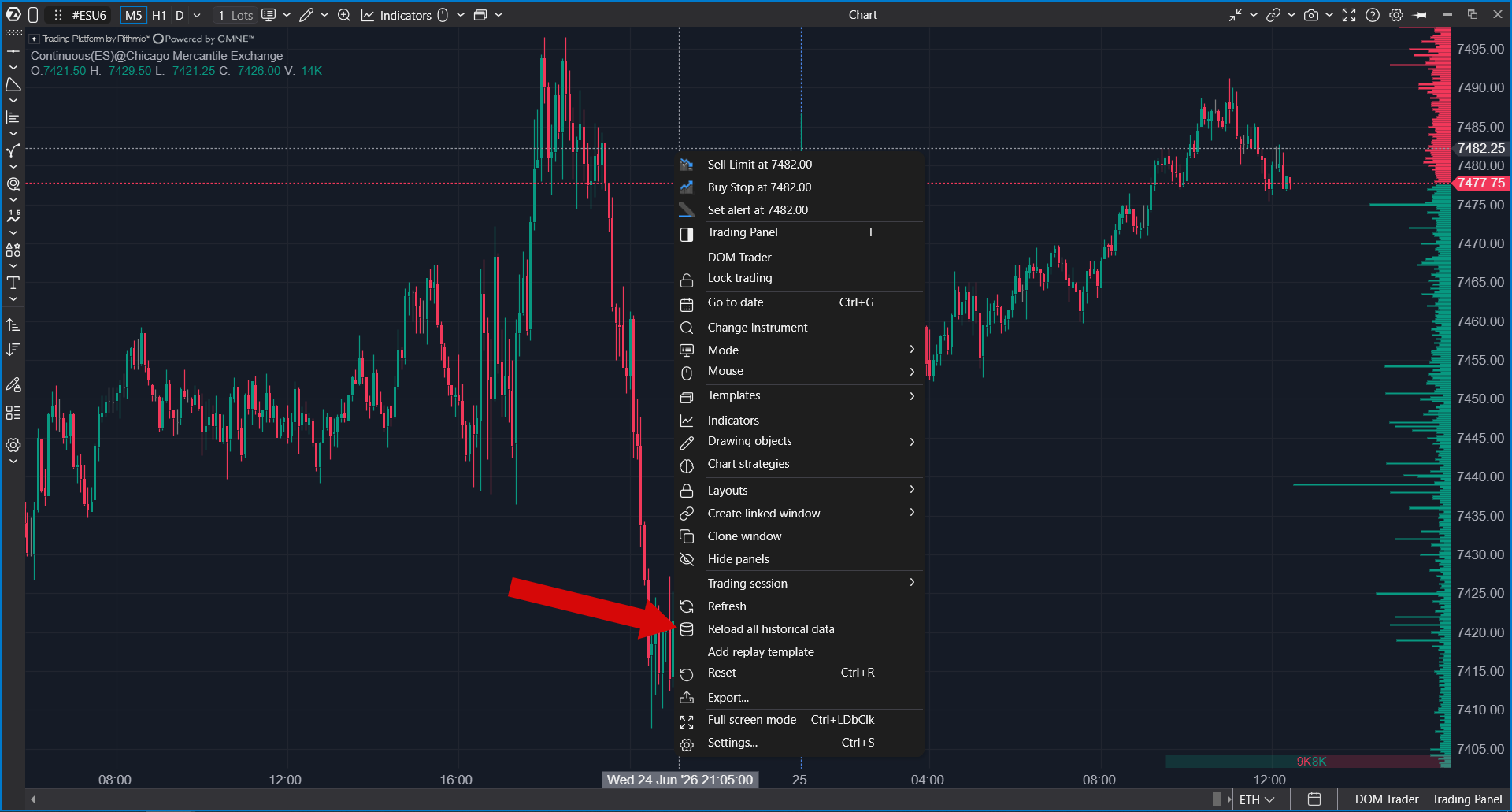
- Click Reload Data.
- Wait until historical data finishes loading.
If the chart contains missing candles after the connection has been restored, Reload Data downloads the missing historical data.
If a Connection Error Appears
If ATAS displays messages such as:
- Connection to data server lost
- Unable to load market data. Please check your connection or try reloading the chart.
First verify:
- your internet connection;
- your VPN connection (if one is being used);
- the status of the platform and market data connections.
After the connection has been restored, use Reload Data again.
During Periods of High Market Volatility
During periods of increased trading activity, such as the opening of the U.S. trading session, exchanges may generate significantly more market data than usual. Under these conditions, charts may update more slowly while ATAS processes incoming data.
If the issue persists, try the following:
- verify that all required connections are active;
- reload the affected chart;
- close unnecessary charts or workspaces to reduce system load;
- restart ATAS if the platform becomes unresponsive;
- contact ATAS Support if the issue occurs repeatedly.
Information to Provide to ATAS Support
If the problem continues, include the following information in your support request:
- the approximate time when the issue occurred;
- the affected instrument and exchange (or market data connection);
- whether the computer had recently resumed from sleep mode;
- whether a VPN connection was enabled;
- screenshots or a short video demonstrating the issue;
- platform logs and workspace files, if requested by ATAS Support.
Providing this information helps determine whether the issue is related to connection recovery, missing historical data, workspace performance, or market conditions.
Important Notes
- Restoring connections after the computer wakes from sleep mode may take several seconds.
- Reload Data works only after the platform connection has been successfully restored.
- If your internet connection or VPN is unavailable, historical data cannot be downloaded.
- If market data delays occur repeatedly during periods of high volatility or affect your trading, contact ATAS Support.
Was this article helpful?
That’s Great!
Thank you for your feedback
Sorry! We couldn't be helpful
Thank you for your feedback
Feedback sent
We appreciate your effort and will try to fix the article